The hardware and bandwidth for this mirror is donated by dogado GmbH, the Webhosting and Full Service-Cloud Provider. Check out our Wordpress Tutorial.
If you wish to report a bug, or if you are interested in having us mirror your free-software or open-source project, please feel free to contact us at mirror[@]dogado.de.
An htmlwidget
bringing Vanilla Calendar
Pro to R and Shiny — a modern, dependency-free calendar, date picker
and time picker, configured from R.
Bundles Vanilla Calendar Pro 3.2.0. No internet connection, no CDN and no JavaScript build step needed.
remotes::install_github("ESCRI11/vanilla-calendar-r")library(VanillaCalendar)
VanillaCalendar()Any option from the Vanilla Calendar Pro reference is passed straight through as a named list:
VanillaCalendar(
  options = list(
    type = "default",
    locale = "en",
    selectionDatesMode = "multiple",
    selectedDates = Sys.Date(),
    selectedTheme = "light"
  ),
  width = "500px",
  height = "400px"
)
R values are adapted for you: Date and
POSIXct become the "YYYY-MM-DD" strings the
library expects, and options that must be JSON arrays are boxed, so a
single date works where the library wants a list. Misspelled option
names warn rather than being silently ignored.
Three steps: VanillaCalendarOutput() in the UI,
renderVanillaCalendar() in the server, and read the dates
from input$<id>_selected. That is a complete app:
library(shiny)
library(VanillaCalendar)

ui <- fluidPage(
  titlePanel("Pick a date"),
  VanillaCalendarOutput("cal", height = "400px"),
  textOutput("chosen")
)

server <- function(input, output) {
  output$cal <- renderVanillaCalendar(VanillaCalendar())
  output$chosen <- renderText({
    if (length(input$cal_selected) == 0) "Nothing picked yet."
    else format(input$cal_selected, "%A, %d %B %Y")
  })
}

shinyApp(ui, server)
input$cal_selected is a Date vector —
Date(0) when nothing is selected, so format()
and min() never blow up on an empty calendar. Options
change what the user can do without changing any of the structure
above:
# a date range instead of one date
output$cal <- renderVanillaCalendar(
  VanillaCalendar(list(selectionDatesMode = "multiple-ranged"))
)

# a text box with a popup, instead of a block of calendar
output$cal <- renderVanillaCalendar(
  VanillaCalendar(list(inputMode = TRUE), height = "auto")
)
Both apps ship with the package, so you can run them before writing anything:
# the app above, in full
shiny::runApp(system.file("examples/minimal", package = "VanillaCalendar"))

# the demo every screenshot below comes from
shiny::runApp(system.file("examples/gallery", package = "VanillaCalendar"))selectionDatesMode takes "single",
"multiple" or "multiple-ranged". Whatever the
user picks arrives in input$<id>_selected as a
Date vector — length 0 when nothing is selected, so
format() and as.Date() never blow up on an
empty calendar.
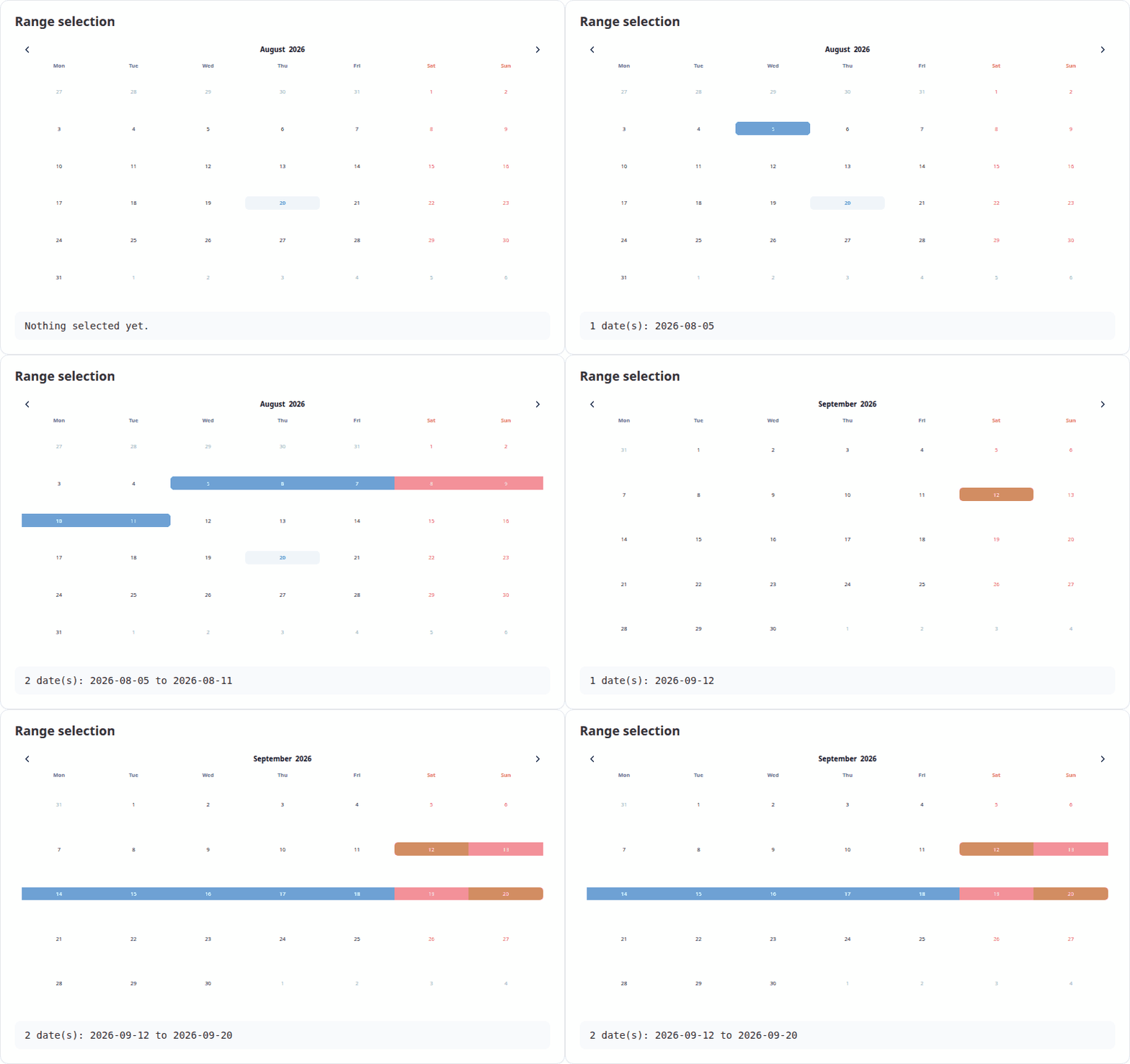
output$cal <- renderVanillaCalendar(
  VanillaCalendar(list(selectionDatesMode = "multiple-ranged"))
)
output$out <- renderText(paste(format(input$cal_selected), collapse = " to "))Set inputMode = TRUE and the widget renders a text box
that opens the calendar as a popup, filling the box with the chosen
date. Pair it with height = "auto". See the upstream input mode
docs.
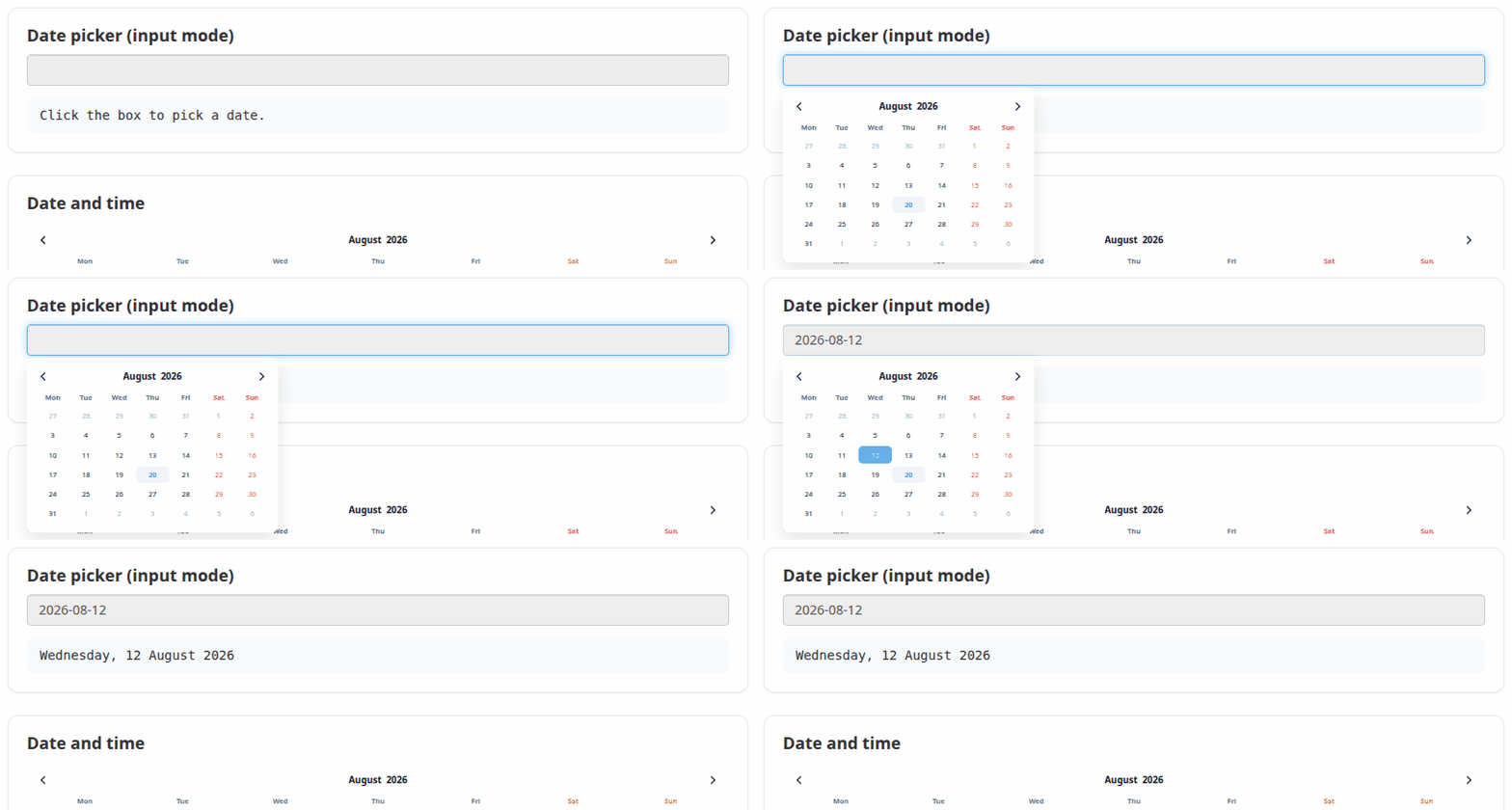
VanillaCalendar(
  options = list(inputMode = TRUE, selectionDatesMode = "single"),
  height = "auto"
)selectionTimeMode = 24 (or 12) adds a time
picker below the dates. The chosen time arrives in
input$<id>_time as a string such as
"14:30". The timeMinHour,
timeMaxHour and timeStepMinute options
constrain it.
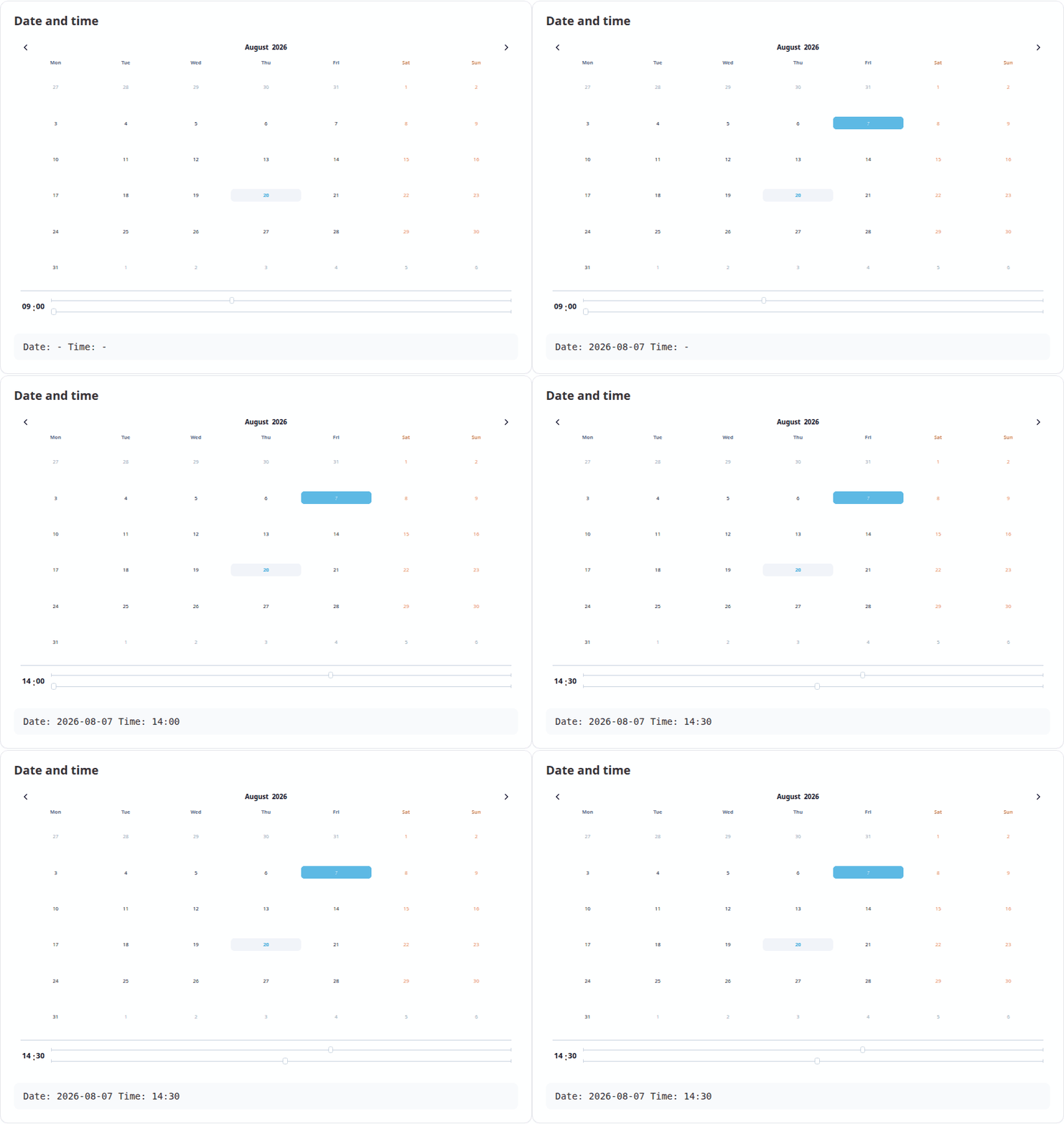
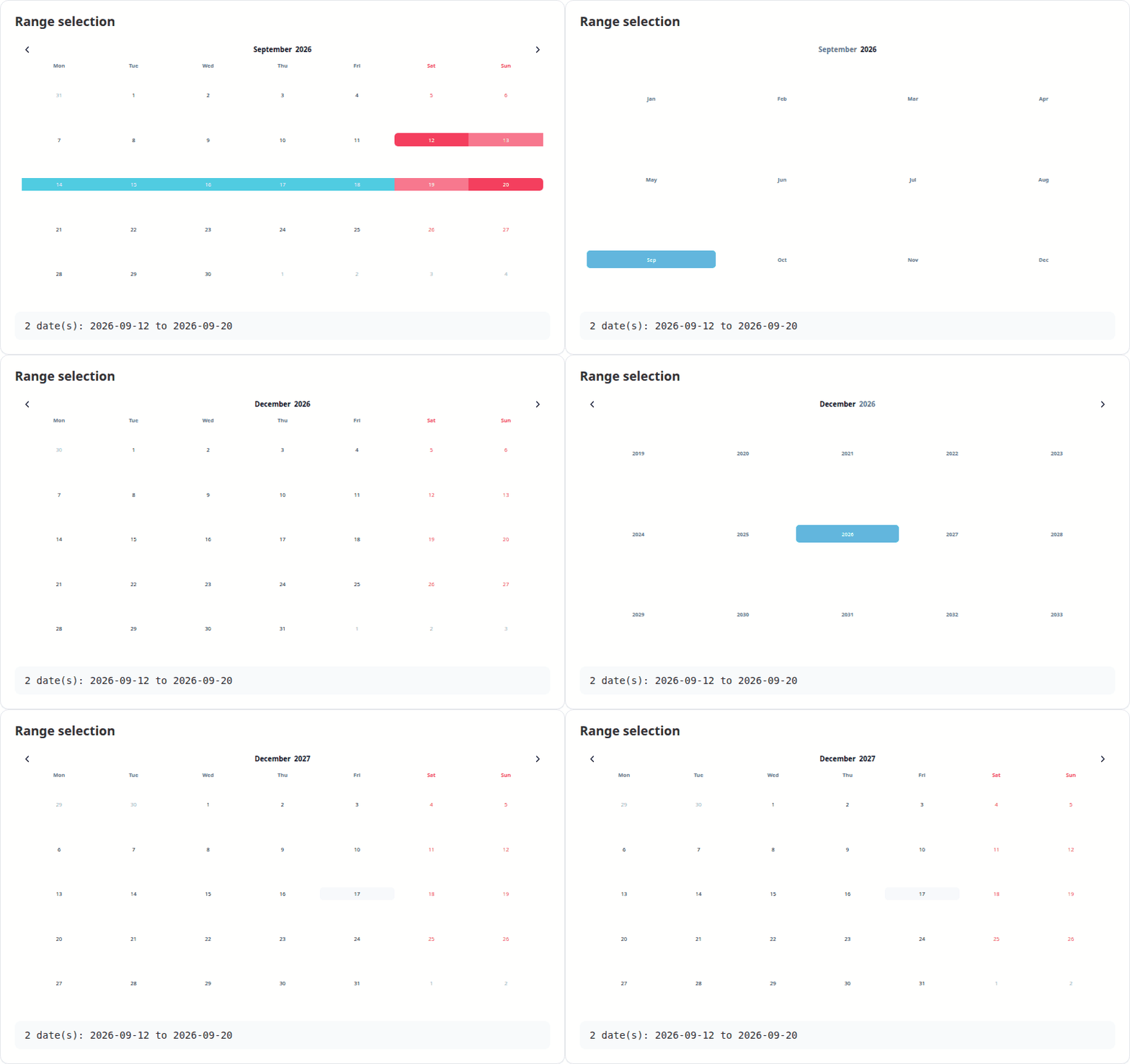
VanillaCalendar(list(selectionTimeMode = 24, selectedTime = "09:00"))Clicking the month or the year opens a picker for it. Both are reported to Shiny, with months as 1-12 rather than the JavaScript 0-11.
VanillaCalendarProxy() reaches a calendar that is
already on the page, so options can be changed in place — the calendar
keeps its selection, position and focus instead of flickering back to
its initial state. Only the parts you are actually setting change; pass
reset to clear anything else.
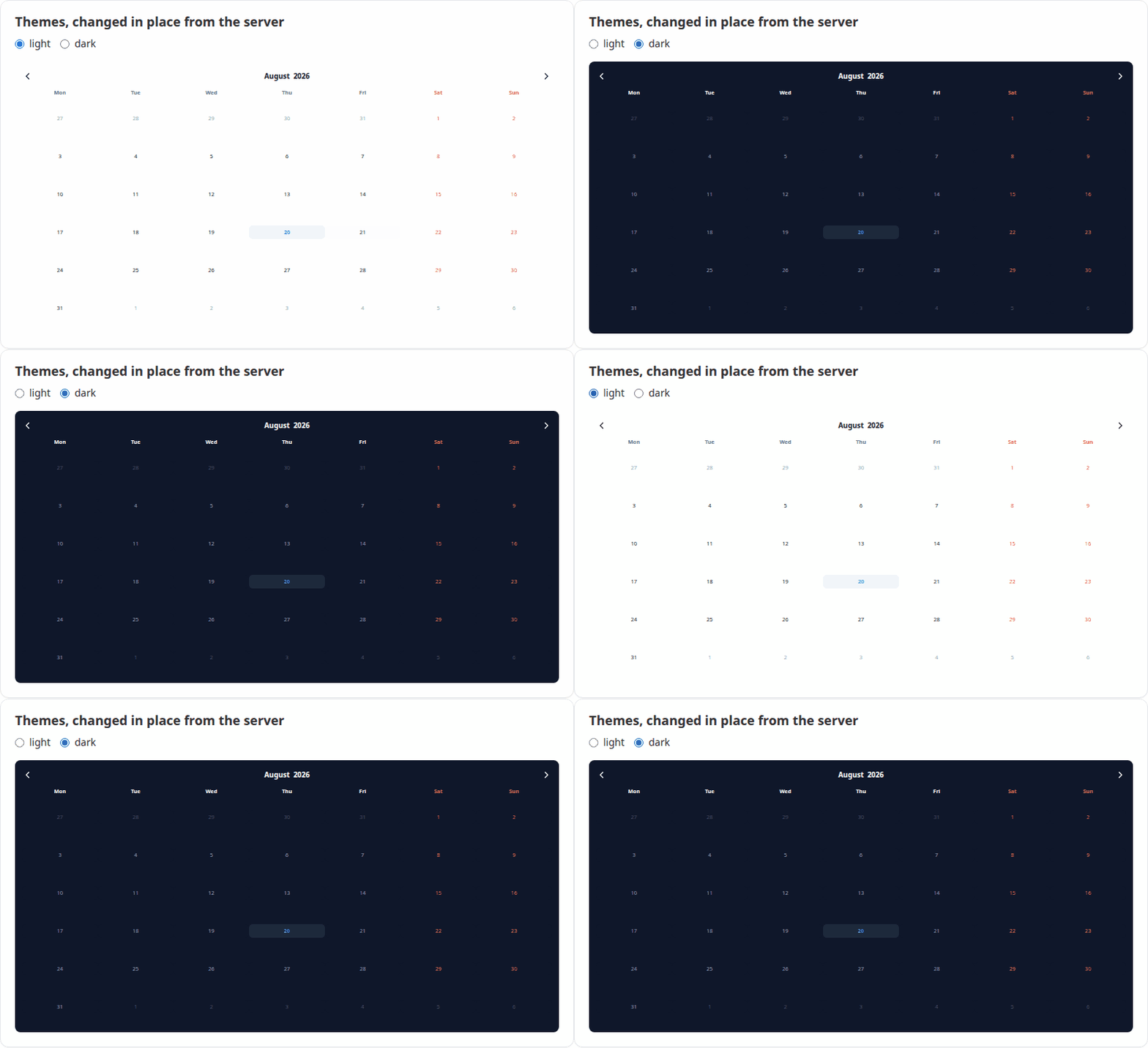
observeEvent(input$theme, {
  vcSet(VanillaCalendarProxy("cal"), list(selectedTheme = input$theme))
})
The proxy verbs mirror the library’s instance methods:
| Function | Does |
|---|---|
vcSet(proxy, options, reset) |
Apply new options |
vcUpdate(proxy, reset) |
Re-render with the current options |
vcShow(proxy) / vcHide(proxy) |
Show or hide a popup calendar |
vcDestroy(proxy) |
Remove the calendar |
selectedTheme accepts "light",
"dark" or "system". In system mode the theme
is read from the attribute named by themeAttrDetect, which
defaults to "html[data-theme]"; bslib apps
should set themeAttrDetect = "html[data-bs-theme]" to
follow the app.
For an output with id "cal":
| Input | Type | Set when |
|---|---|---|
input$cal_selected |
Date vector |
A date is clicked |
input$cal_selected_month |
integer, 1-12 | A month is chosen |
input$cal_selected_year |
integer | A year is chosen |
input$cal_displayed |
Date, first of the month |
The arrows are used |
input$cal_time |
character, e.g. "14:30" |
The time changes |
input$cal_week |
list of week and year |
A week number is clicked |
input$cal_ready |
TRUE |
The calendar has initialised |
Callbacks are options like any other, passed with
htmlwidgets::JS(). They run in addition to the built-in
handlers above, so adding one does not cost you the matching Shiny
input:
VanillaCalendar(list(
  onClickDate = htmlwidgets::JS("function(self) { console.log(self.context.selectedDates); }")
))
The full callback list — onClickWeekDay,
onCreateDateEls, onChangeTime and the rest —
is in the upstream
reference.
vignette("VanillaCalendar") — a guided tour of the
widgetvignette("shiny") — using the widget in Shiny appsGPL (>= 3). The bundled Vanilla Calendar Pro library is MIT
licensed, copyright Yury Uvarov; its licence ships in
inst/htmlwidgets/lib/VanillaCalendar-3.2.0/LICENSE.
These binaries (installable software) and packages are in development.
They may not be fully stable and should be used with caution. We make no claims about them.
Health stats visible at Monitor.