
The hardware and bandwidth for this mirror is donated by dogado GmbH, the Webhosting and Full Service-Cloud Provider. Check out our Wordpress Tutorial.
If you wish to report a bug, or if you are interested in having us mirror your free-software or open-source project, please feel free to contact us at mirror[@]dogado.de.
This is a package to support class Visualization with R’s ggplot2 Package and AI Tools like ChatGPT, Claude, Copilot, and Gemini which is part of the Open Visualization Academy project.
To install the package:
# The easiest way to install Open.Visualization.Academy is to run:
install.packages("Open.Visualization.Academy")

# Or you can get the development version from GitHub:
# install.packages("pak")
pak::pak("RaymondBalise/Open.Visualization.Academy")The Open.Visualization.Academy package contains:
show_structure(), which prints a
report describing a dataset. It tries to not print sensitive data. This
is useful for when you are working with AI tools like ChatGPT, Claude,
Copilot, and Gemini. To learn about it, run this line in the R
Console:vignette("show_structure", package = "Open.Visualization.Academy").laryngectomy and analysis.
To learn about them, run ?laryngectomy or
?analysis in the R Console.The Visualization with R’s ggplot2 Package and AI Tools like ChatGPT, Claude, Copilot, and Gemini course has four sections:
Watch all of the videos before trying the quiz included here.
You will need to install a couple packages. Run these two lines using the R console:
install.packages("remotes")
remotes::install_github("rstudio/gradethis")You will need to install some software and a couple packages:
Install Rtools from https://cran.r-project.org/bin/windows/Rtools/rtools45/rtools.html by using the Rtools45 installer if you are using and Intel CPU or if you are using a Microsoft Surface or other ARM CPU, use the 64-bit ARM Rtools45 installer.
Run these two lines using the R console:
install.packages("remotes")
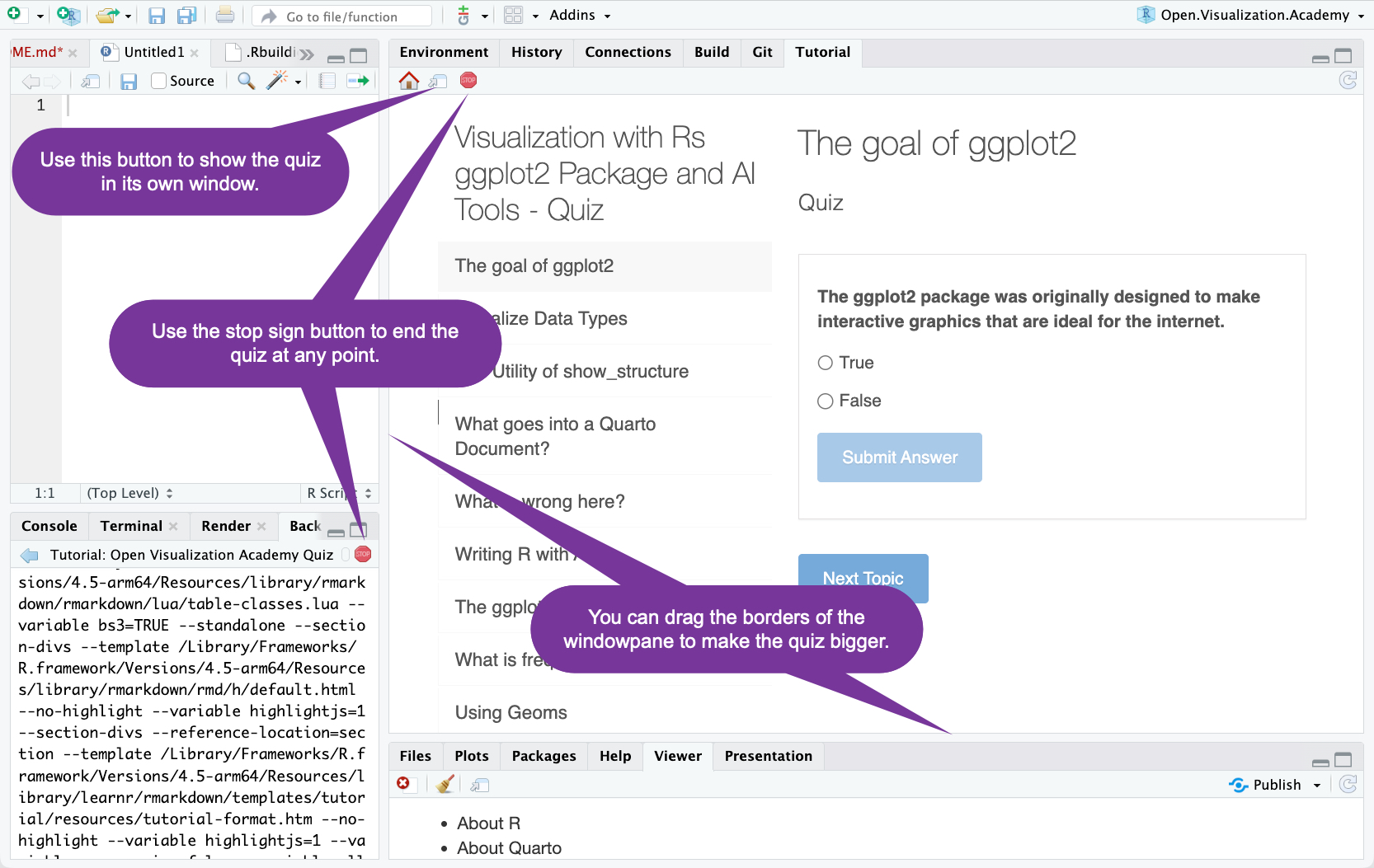
remotes::install_github("rstudio/gradethis")To use the quiz in RStudio, after installing the package, restart RStudio and then look in the Tutorial pane:
If you are working on a large screen, you can resize the quiz:
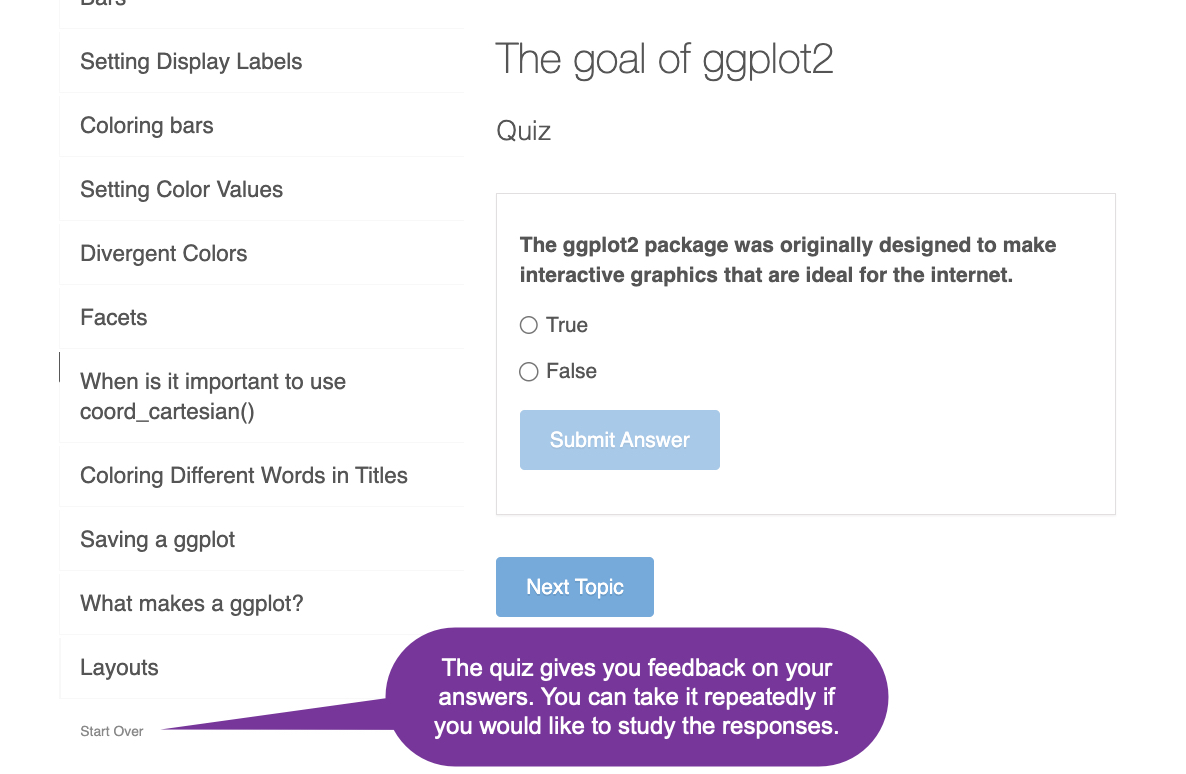
If you scroll to the bottom of the question list, you can start over.
If you are not working in RStudio, you can access the quiz by running this:
learnr::run_tutorial("Open Visualization Academy Quiz", "Open.Visualization.Academy")These binaries (installable software) and packages are in development.
They may not be fully stable and should be used with caution. We make no claims about them.
Health stats visible at Monitor.